Change the XR Platform Theme
You can change the colors of the XR Platform and XR Instructor to fit better in your organization.
Note
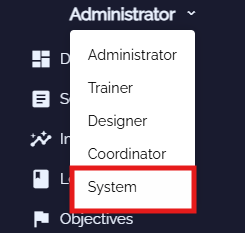
Make sure you have the System role. You can change roles by clicking on them and switch to another one in the list.
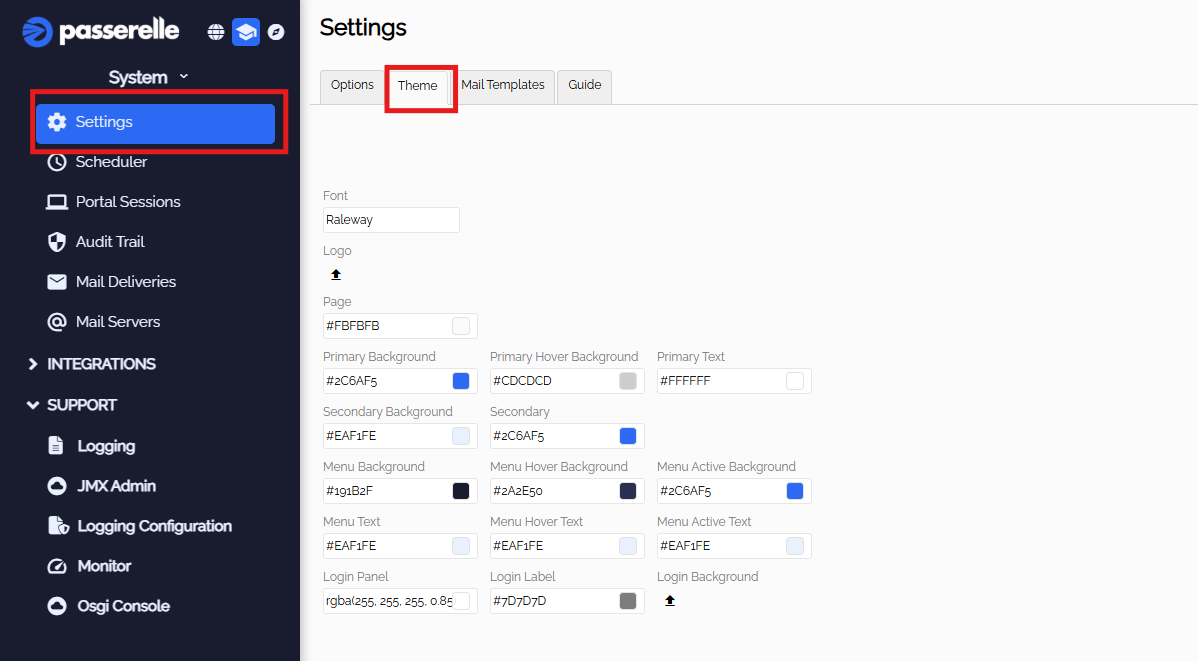
- Go to settings and press 'Theme'
-
Here you can change the main colors for the XR Platform and XR Instructor.
-
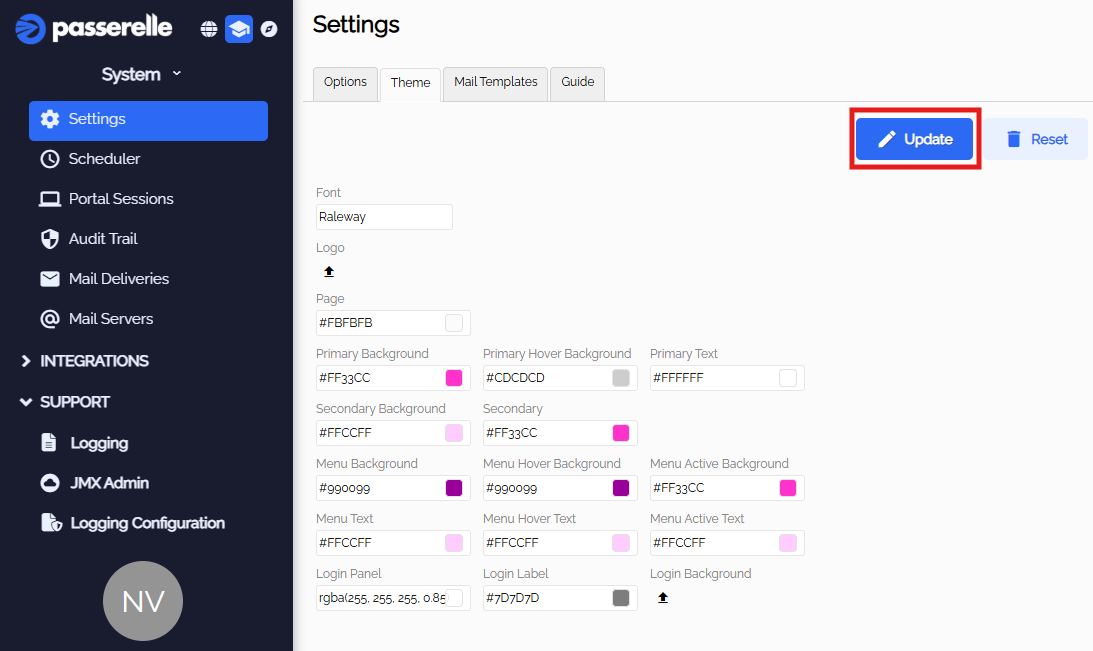
When finished choosing colors, press update and reload the XR Platform


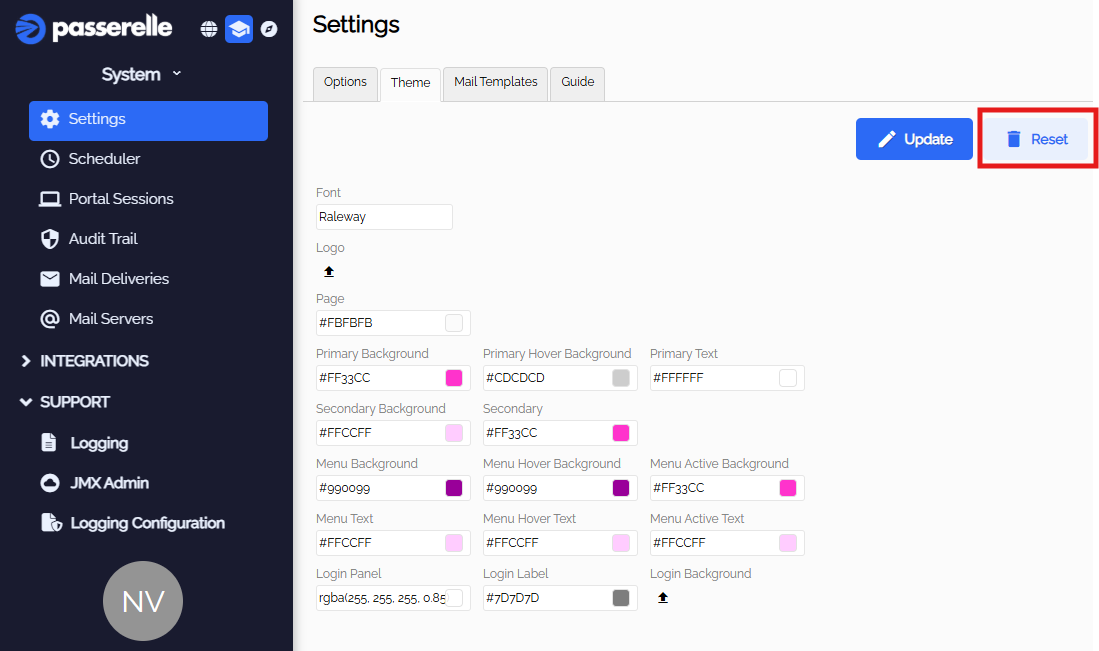
- To reset the colors back to standard, press Reset.