How to create objectives and lesson content?
How to create Objectives?
- Go to the XR Platform.
Note
Make sure Teach square is selected. You can change squares by clicking on the corresponding icon.

Note
Make sure you have the Designer role. You can change roles by clicking on them and switch to another one in the list.

- Press Objectives and Create.

-
Choose a title for your objective.
-
You can also add a more detailed description.
-
Press create when you are ready.

- Your objective should now be in the list
How to create and manage Lesson Content
When you add a new application to the XR Platform, lesson content is automatically created. You can adjust it as follows:
- Go to the XR Platform.
Note
Make sure you have the Designer role. You can change roles by clicking on them and switch to another one in the list.

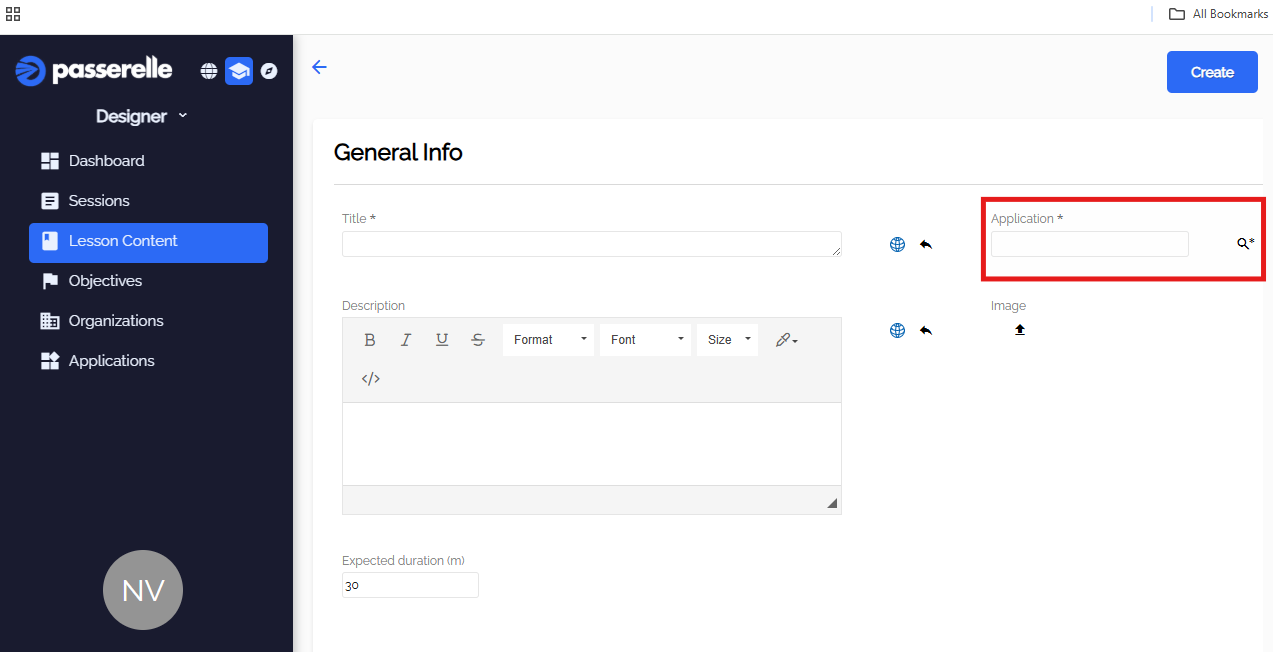
- Press Lesson Content and Create if you want to create new content or press an existing one to change it.
-
Choose a unique title for the lesson content.
-
Give a short and clear description. This will make XR Instructor easier for trainers when preparing and selecting content.
-
Add an application you want to link to the lesson content if this is new.
-
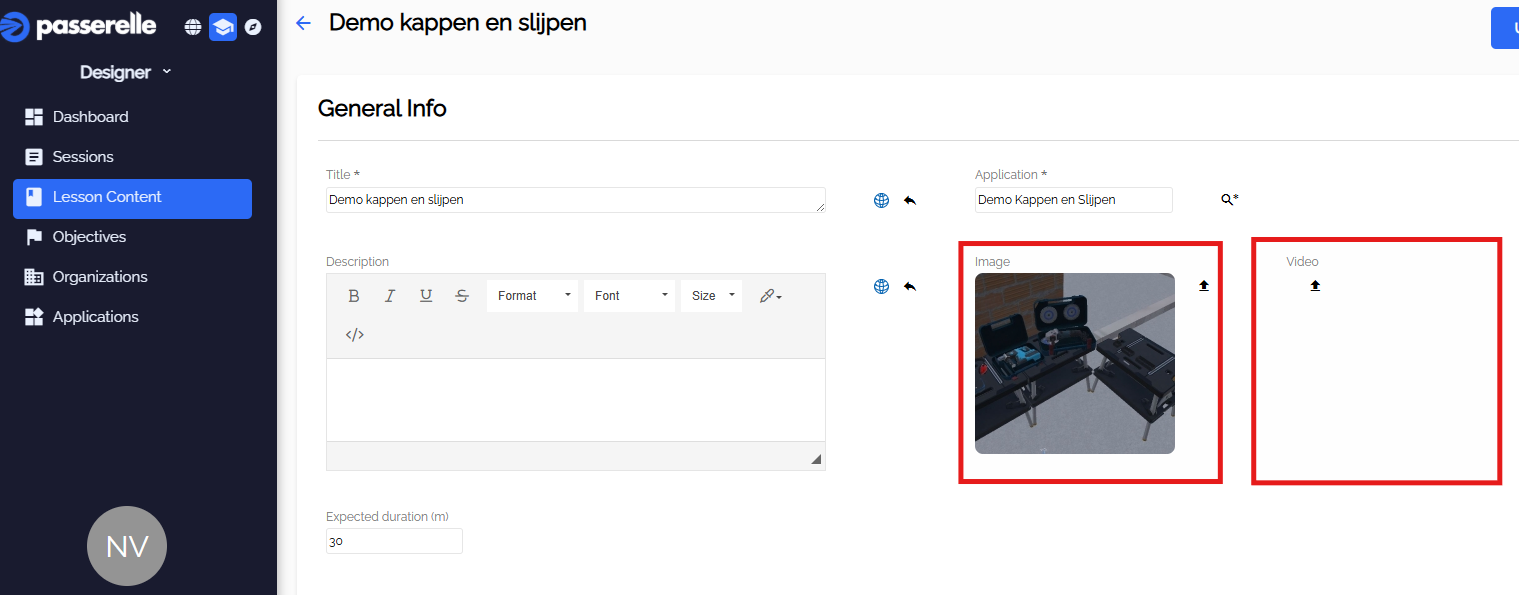
Add an image and playthrough of the lesson content. This will be visible in XR Instructor.
-
Add created objectives. This will make XR Instructor easier for trainers when preparing and selecting content.
-
Press Create or Update when you are ready.